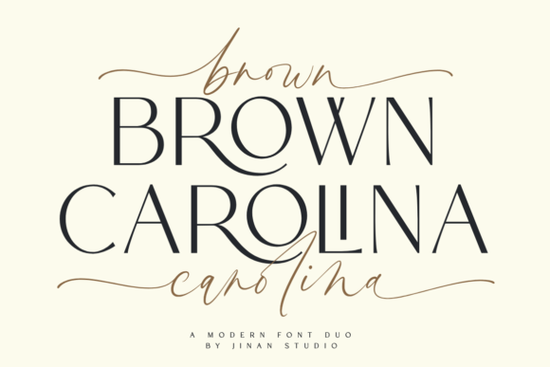
If you’re looking for a font that feels both modern and handcrafted, Brown Carolina Duo Font might be exactly what your next project needs. It’s not just another pair of typefaces it’s a thoughtful combination of clean sans-serif lettering and a flowing script that works together without clashing. Whether you’re designing invitations, logos, or social media graphics, this duo gives you room to play while keeping things professional.
The script version is especially fun to work with. It includes tons of alternate characters and ligatures, so you can tweak words until they feel just right. You don’t need fancy software to make it look custom most design tools will let you access those extras with OpenType features or glyph panels. If you’ve enjoyed playing around with fonts like Wintersnow or Absolute Beginner, you’ll find Brown Carolina just as flexible, but with a more polished edge.
What kinds of projects does this font work best for?
This isn’t a one-trick pony. The duo format means you can use the script for headlines or decorative text and switch to the sans-serif for body copy or labels. Here’s where it really shines:
- Wedding stationery The script adds elegance without being overly ornate, and the clean sans-serif keeps RSVP cards and info sheets readable.
- Small business branding Pair them on packaging, business cards, or shop signs for a look that’s friendly but still put-together.
- Print-on-demand products Think mugs, tote bags, or journals. The contrast between the two styles helps your message pop without needing extra graphics.
- Social media templates Use the script for quotes or titles, and the sans for captions or hashtags. It creates visual hierarchy fast.
If you’ve used playful fonts like Rainbow or Olivia Scatcer in the past but want something that feels a bit more refined, this could be your next step up.
How easy is it to customize the script letters?
Really easy if you know where to look. Most design programs (like Canva, Adobe Illustrator, or Affinity Designer) let you toggle alternate glyphs with a click. Some even auto-swap common letter pairs into prettier ligatures. The trick is to not overdo it. Pick one or two key words to stylize, and let the rest stay simple. That way, your design doesn’t look busy.
You don’t need to be a typography expert, either. Even if you’re new to using script fonts with alternates, you can start small. Try swapping out the first or last letter of a word. Or pick a repeating letter (like double “t” or “l”) and see how the ligature changes the rhythm. Fonts like Angela Flower also offer this kind of flexibility, but Brown Carolina’s alternates feel more subtle and modern.
Will this font slow down my workflow?
Not at all. Both fonts are well-constructed and load quickly in most apps. The file sizes are reasonable, and there’s no weird spacing or alignment issues to fix manually. You can install them once and forget about technical hiccups. That’s a big plus if you’re juggling multiple client projects or running a side hustle with tight deadlines.
One tip: keep the script version for display use only headlines, logos, short phrases. It’s not meant for paragraphs. Save the sans-serif for anything longer than a sentence. That combo keeps your designs balanced and your readers comfortable.
Is this worth buying if I already own similar fonts?
Maybe. If your current collection leans heavily vintage, whimsical, or ultra-thin, Brown Carolina brings something different a grounded, contemporary vibe with enough personality to stand out. It doesn’t scream for attention. Instead, it supports your message while adding quiet charm.
Compare it to fonts you already love. Does your go-to script feel too casual? Too stiff? Too hard to read at small sizes? This one sits comfortably in the middle stylish but legible, artistic but usable.
Quick checklist before you download:
- ✅ Check your software supports OpenType features (most do).
- ✅ Plan where you’ll use the script vs. the sans-serif assign roles early.
- ✅ Test it at different sizes. The script works best above 18pt for print, 24px for screens.
- ✅ Don’t force every word to use alternates. Less is often more.
Start with one project maybe a holiday card or a product label and see how it feels. You might find yourself reaching for it again and again.
Learn More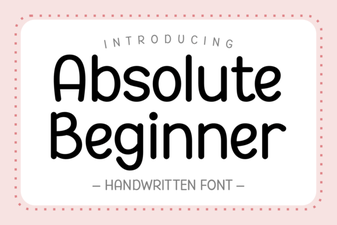 Design Tips for Absolute Beginner Font Projects
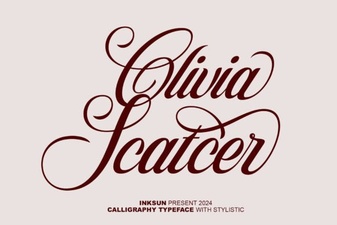 Olivia Scatter Font for Creative Designs
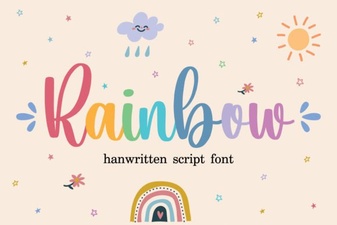 Creative Rainbow Fonts for Modern Web Design
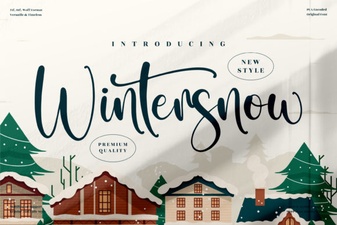 Wintersnow Font: Free Frosty Typography for Creative Projects
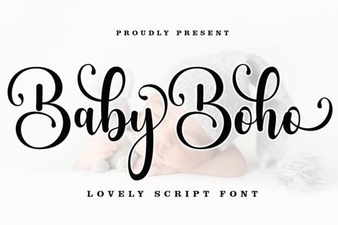 Baby Boho Fonts for Diy Nursery Decor
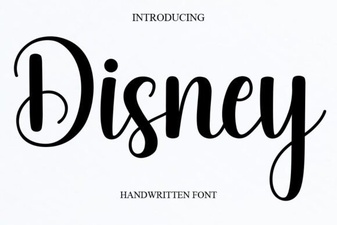 Unlocking Creativity with the Official Disney Font